This tutorial will introduce the EOS extension Scatter and teach you how to download, register and use it. If you want to use your EOS account when playing blockchain games, remember to do the following steps.
1,Download Scatter
JBB.ONE has already prepared the download links for you. They are completely safe. Just click on the links according to your operating system and the download will begin right away.
MAC users: click here to download Scatter.
Windows users: click here to download Scatter.
2,Set your password
When the download is finished, you will see a page like this if you open the Scatter. Set up your password. You have to enter it twice. Then click on “Let’s go!” to continue.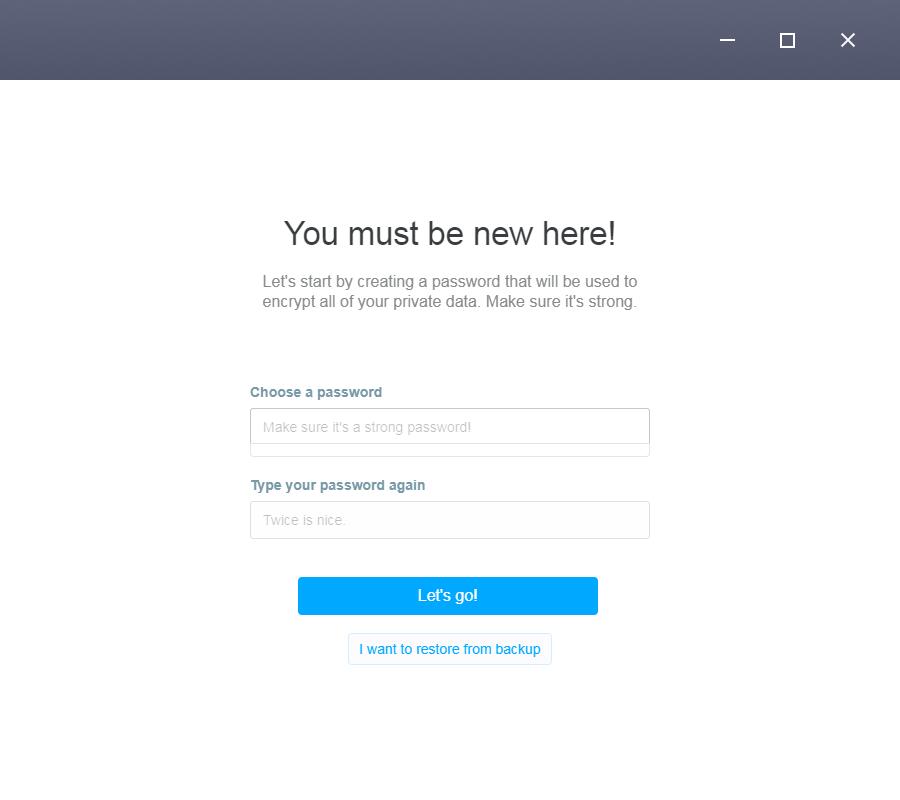
3,Select your password alternative
Select the words that help you to recall your password in case you forgot it. Although these words are not used as your password, they are important as well. Please remember them and don’t let other people know.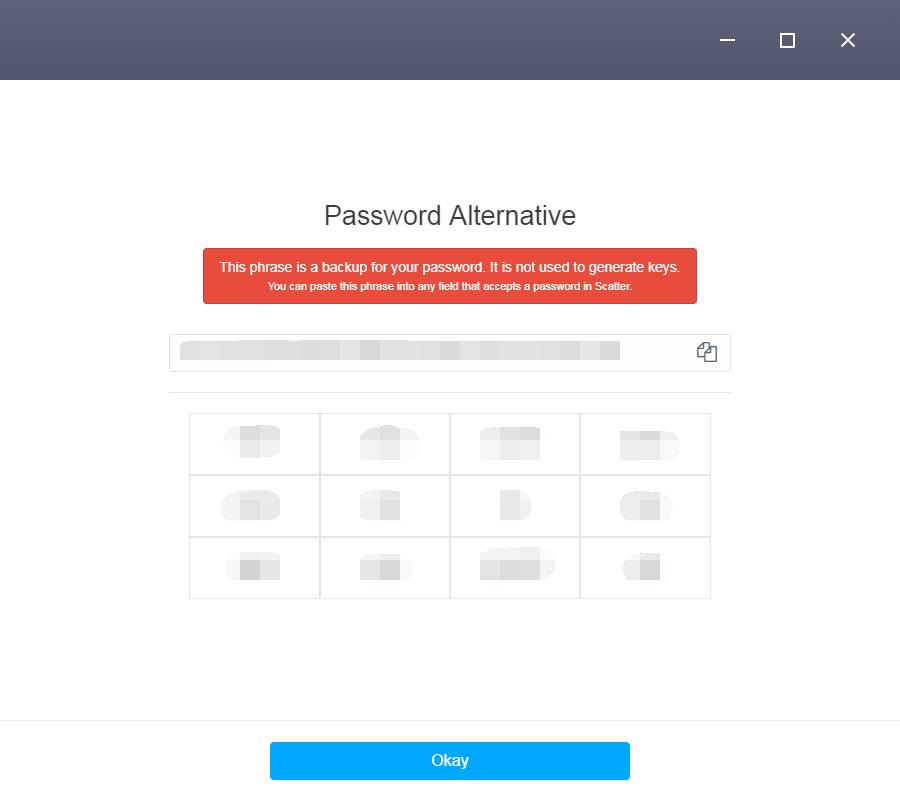
4,Read the terms and conditions for using Scatter. Then click “accept” to continue.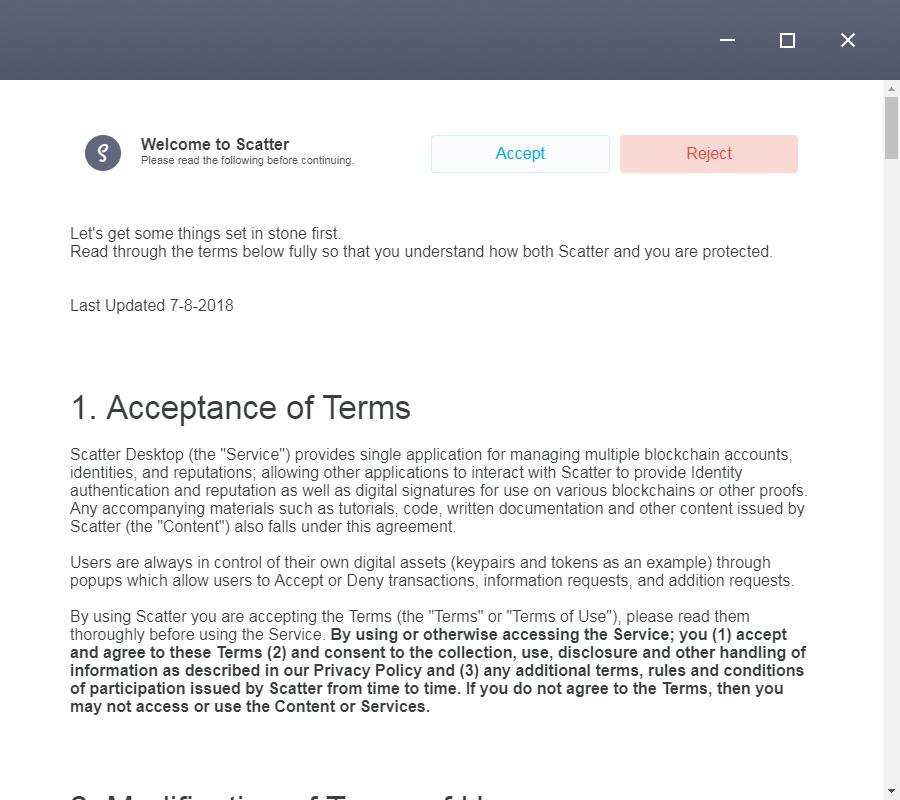
5,Set up your backup folder
In this page, you will be asked to select a folder to back up your digital assets.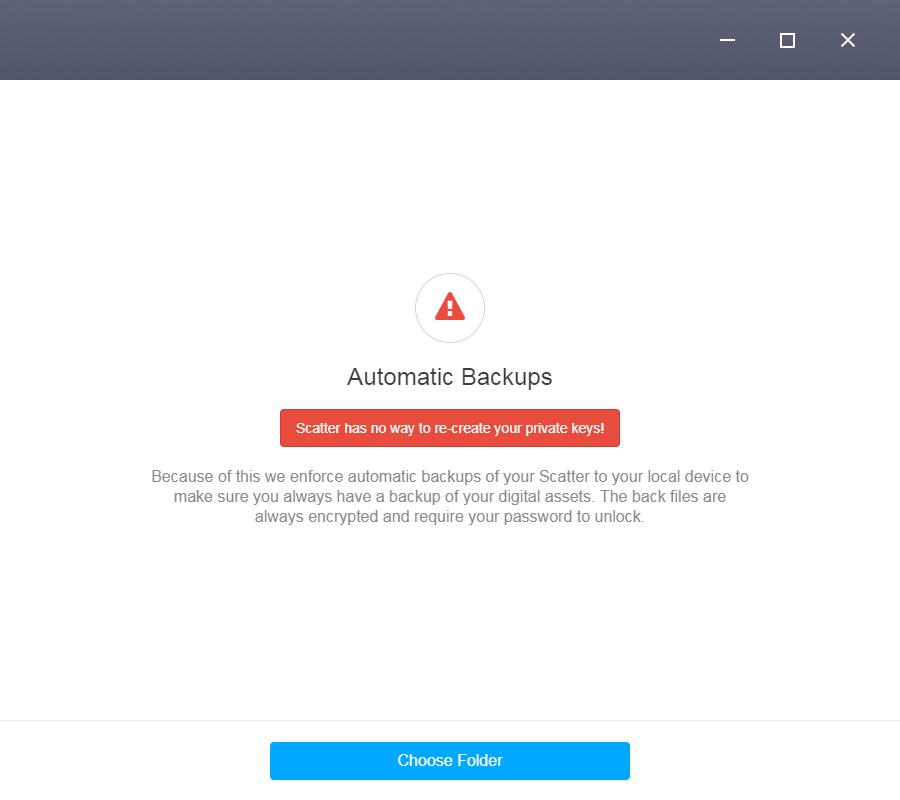
6,Add your keys
Now, you will begin to add your keys. There are three options “Create Key”, “Import Key” and “EOS account”. If you have already created your EOS account base on our tutorial, select the second option “Import Key”.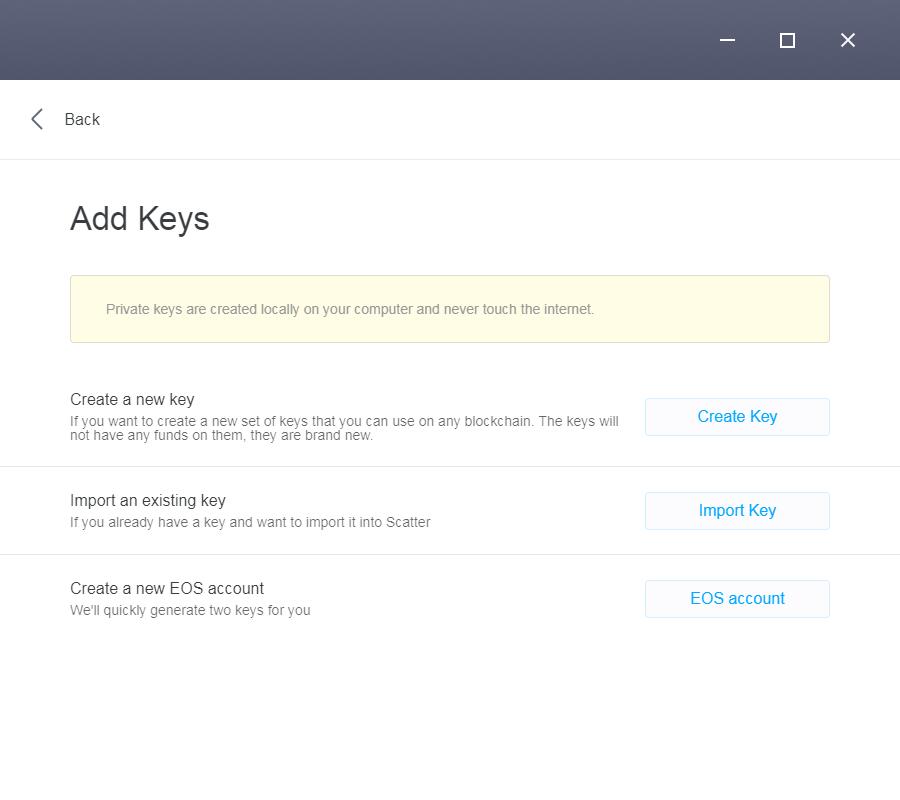
7,Import your key
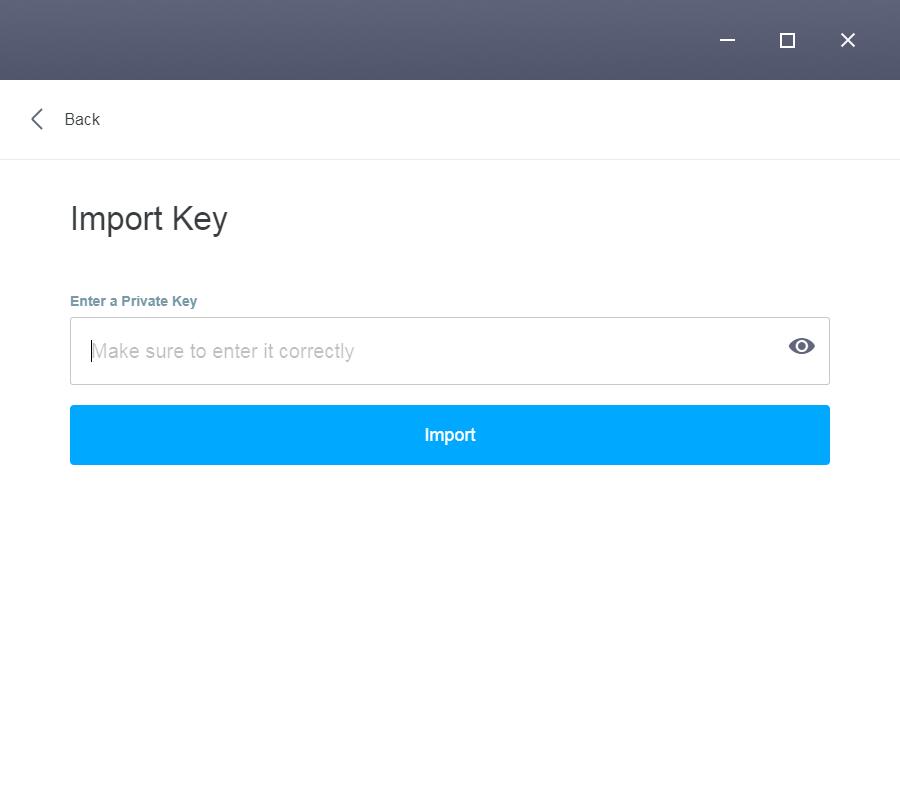
You can import your private key as text or from a hardware wallet or from a QR code. For your convenience, we recommend you choose the first method.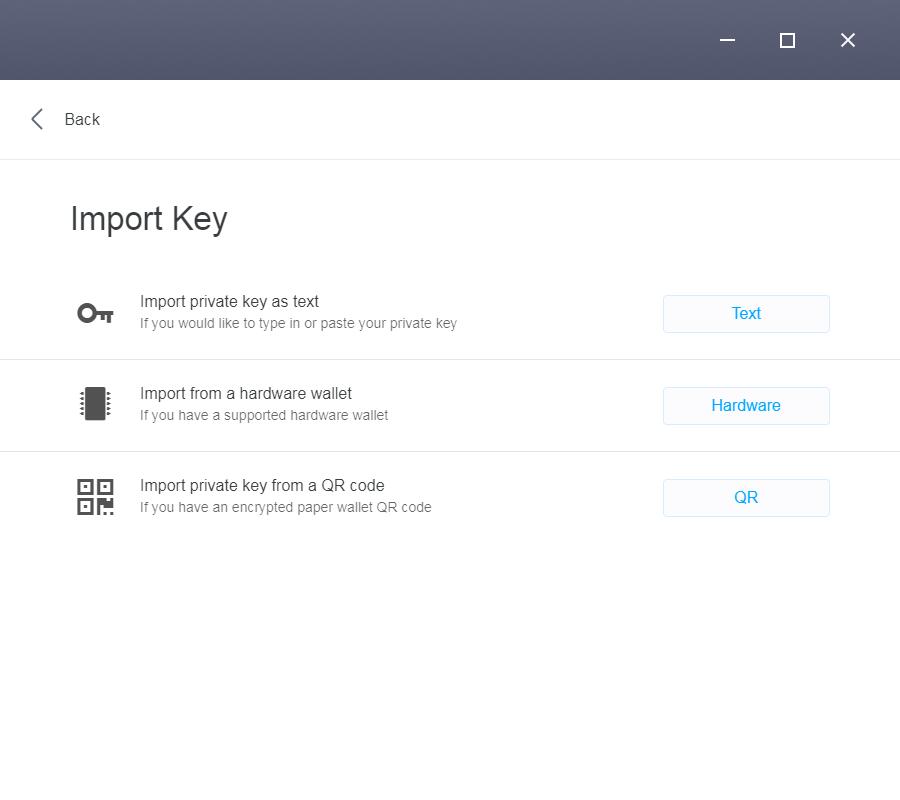
8,Add your account
Select “EOS Mainnet” under the “Link existing EOS account”, and then enter your account name. If you entered your EOS account name correctly, the “Add” button will become red. Click on it and you will be able to link your EOS account to Scatter.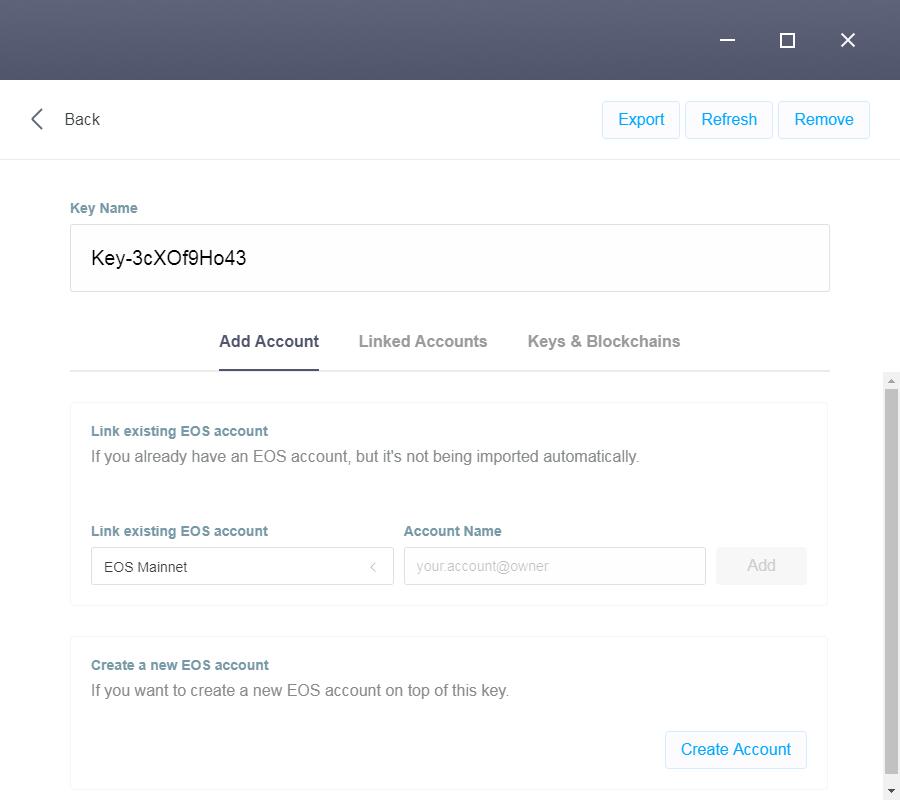
9,Check your status
If the following page shows up, congratulations, you have successfully linked your EOS account to Scatter. If you cannot understand the contents in this page, don’t worry, we will be publishing more detailed tutorial to introduce them. Come back and check later!
Interested in Block Chain Game, Welcome to JBB.ONE
![[お知らせ]日本語サイトの更新停止のお知らせ](https://www.jbb.one/f/dynamic/img/89f47dd670454ab9a00a8a95501a0b12.png!sss)